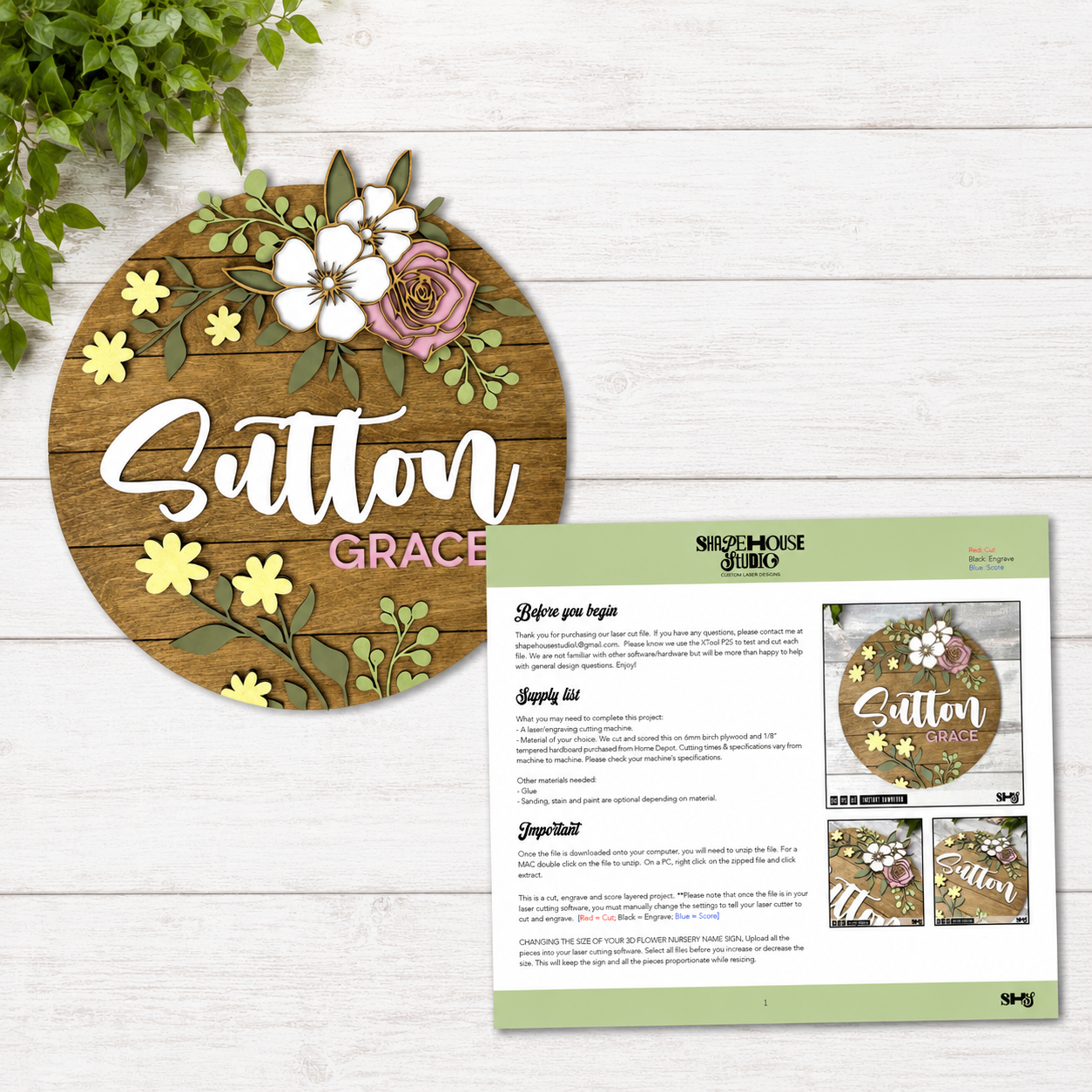
When you purchase a digital laser-cut file, you should feel excited to make the project, not confused about where to start.
At ShapeHouse Studio, we believe a great SVG should come with more than just the design files. That is why every SVG we sell includes a detailed PDF direction guide with step-by-step instructions and photos to help you move from downloaded file to finished project with confidence.
Because let’s be honest. Even a beautiful design can feel overwhelming if you are left guessing how all the pieces fit together.
We Want You to Enjoy the Making Part
Laser cutting is creative, rewarding, and a whole lot of fun. But every project has its own little details.
Which pieces get cut? Which areas are engraved? What should be scored? Which layer goes first? How should the pieces line up?
Our directions are designed to answer those questions before they become frustrating.
Each ShapeHouse Studio SVG includes a professionally designed PDF guide that walks you through the project in a clear, organized way. We include helpful details like supply lists, file tips, color-coded cut information, resizing guidance, material notes, and assembly steps.
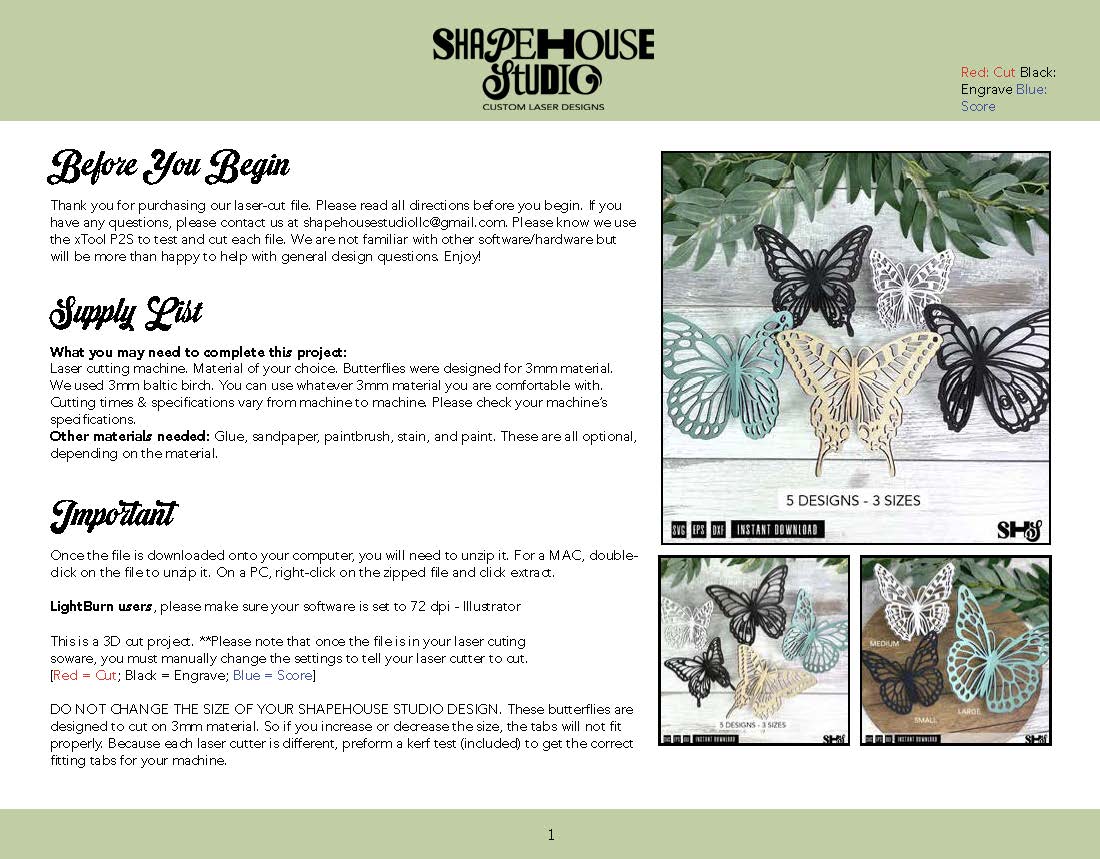
Most importantly, we include pictures.
The photos are a big part of what makes our directions so helpful. They show the actual project pieces, the assembly order, and what each step should look like along the way. Instead of trying to figure everything out from written instructions alone, you can see how the project comes together. We test-cut and assemble all of our designs, make mistakes, and fix them, so you don't have to.
For layered laser-cut designs, that matters. A single photo can often make placement, spacing, and assembly much easier to understand.
Designed to Be Easy to Follow on Your Screen
Our directions are provided in PDF format so they can be opened on any computer. In most cases, you can open the PDF right in your web browser, even if you don’t have Adobe Acrobat installed. Simply right-click the PDF file in your downloads folder. Select Open With and a list of options with appear, including your installed browsers, i.e. Chrome, Firefox, Safari, etc. Click on the browser in which you want to open it.
We also lay out our PDF guides in landscape format. That means each page is designed to fit entirely on your computer screen without having to constantly scroll up and down through the directions.
You can pull up the guide, see the full page, read the steps, look at the photos, and follow along while you cut, paint, stain, glue, and assemble your project.
It may sound like a small thing, but it makes a big difference when you are actually working through a project.
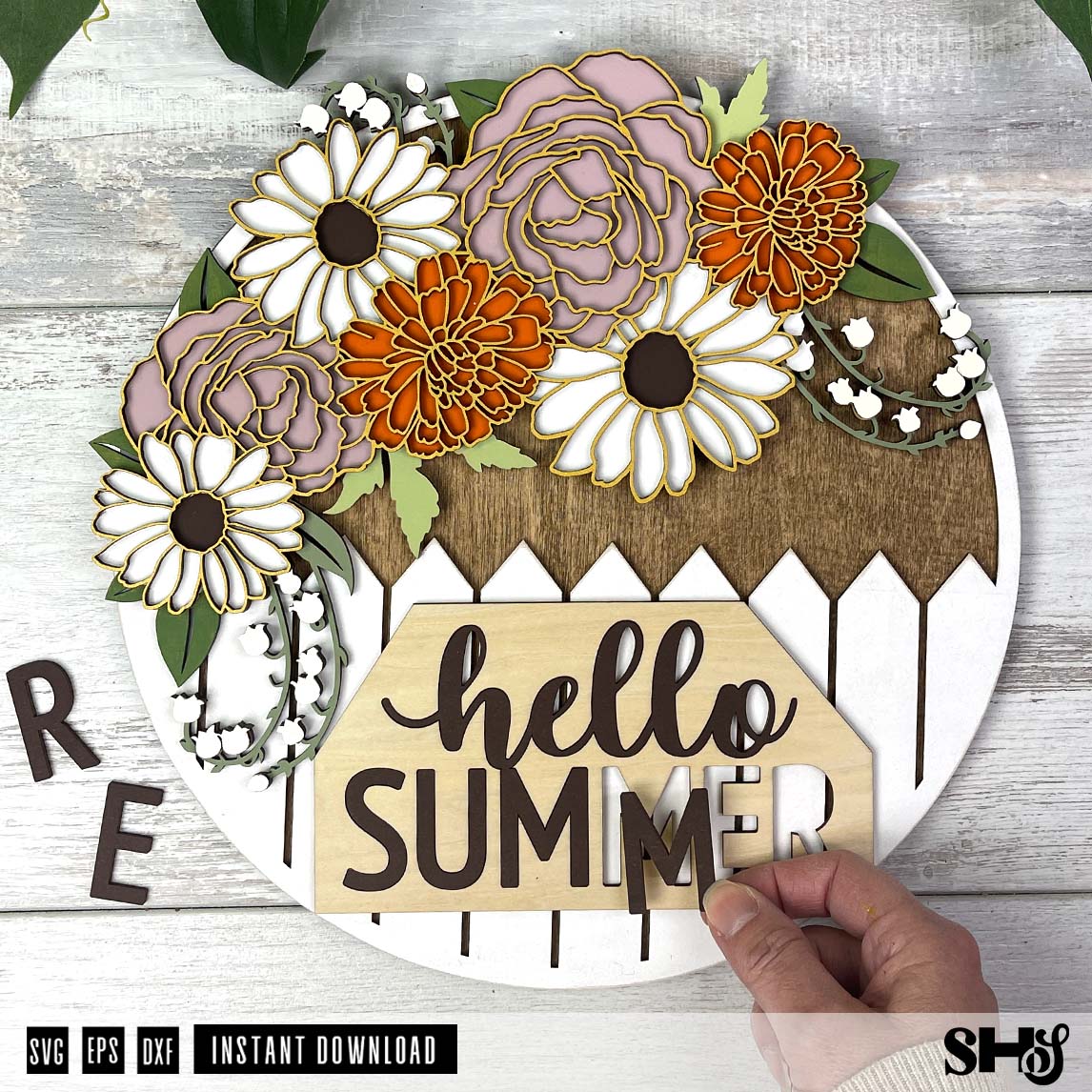
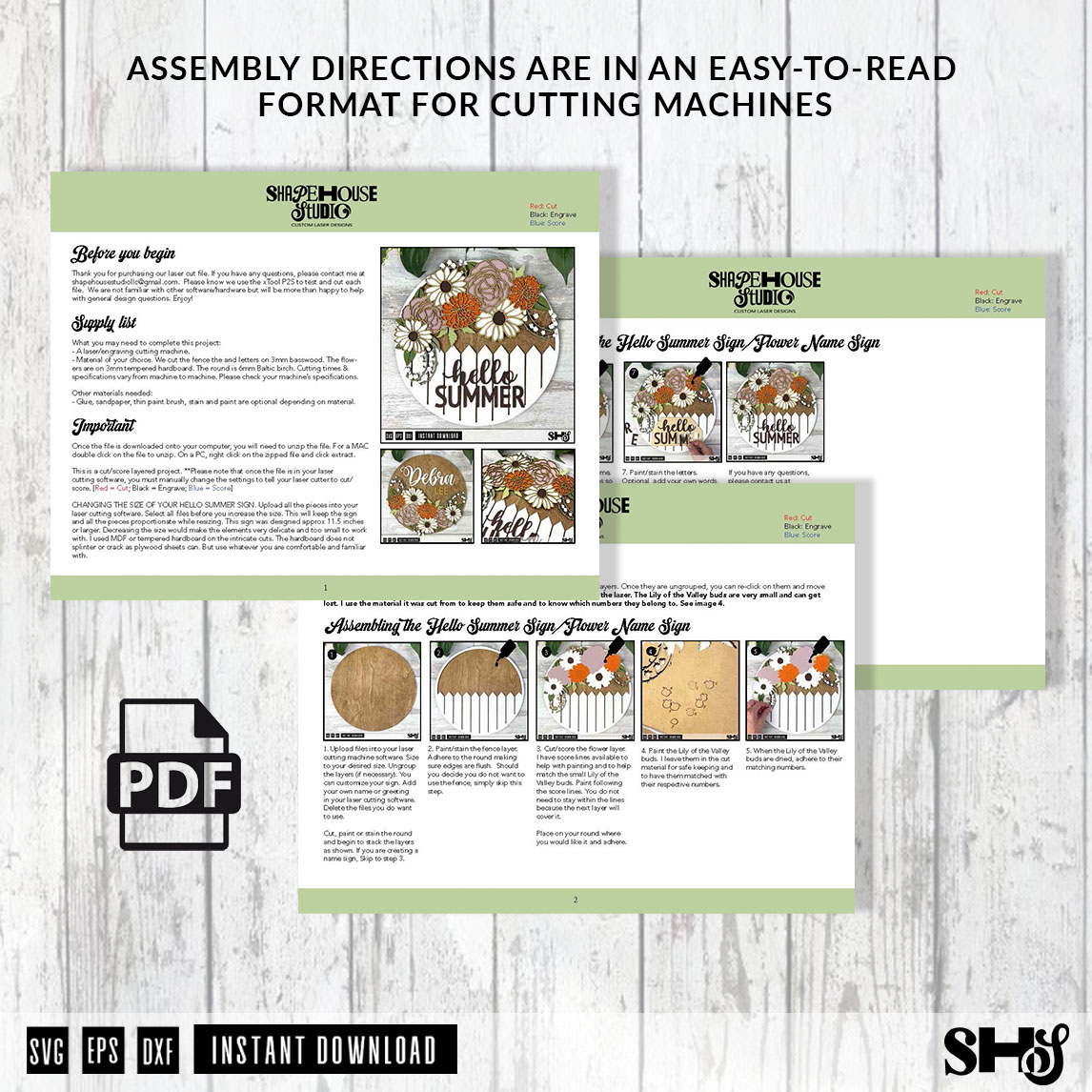
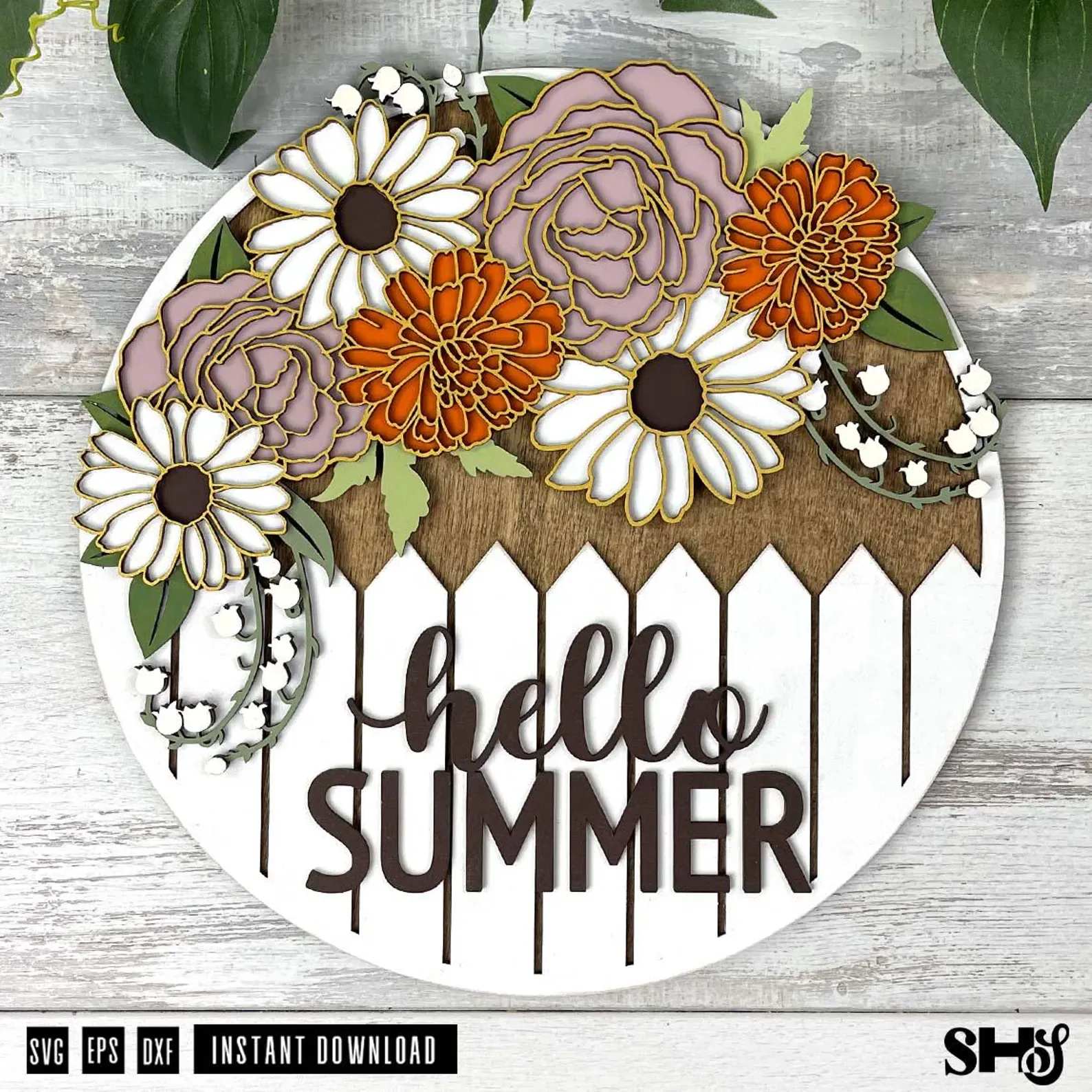
Step-by-Step Photos Make a Better Experience
We put a lot of thought into the photos included in our directions because we know how much they help.
When you are making something with multiple pieces, layers, colors, or assembly steps, pictures give you reassurance. They let you compare your project to the example. They help you see whether you are on the right track. They also make the whole process feel more manageable, especially if you are trying a new type of project or working with a design style you have not made before.
For newer laser users, the photos can take away a lot of the guesswork. For experienced makers, they save time and help the project move more smoothly.
Either way, clear pictures make good directions even better.
Going Above and Beyond Is Part of the ShapeHouse Studio Standard
We have received kind compliments from customers about the quality of our directions, and that means so much to us.
We know that many SVG files are sold as design files only. At ShapeHouse Studio, we choose to go a step further because we care about the full experience, not just the download.
We want every crafter, maker, and buyer to feel like they are getting a file that was thoughtfully prepared, tested, photographed, and explained.
A beautiful design is important. But a beautiful design with clear directions, helpful photos, and an easy-to-use guide is even better.
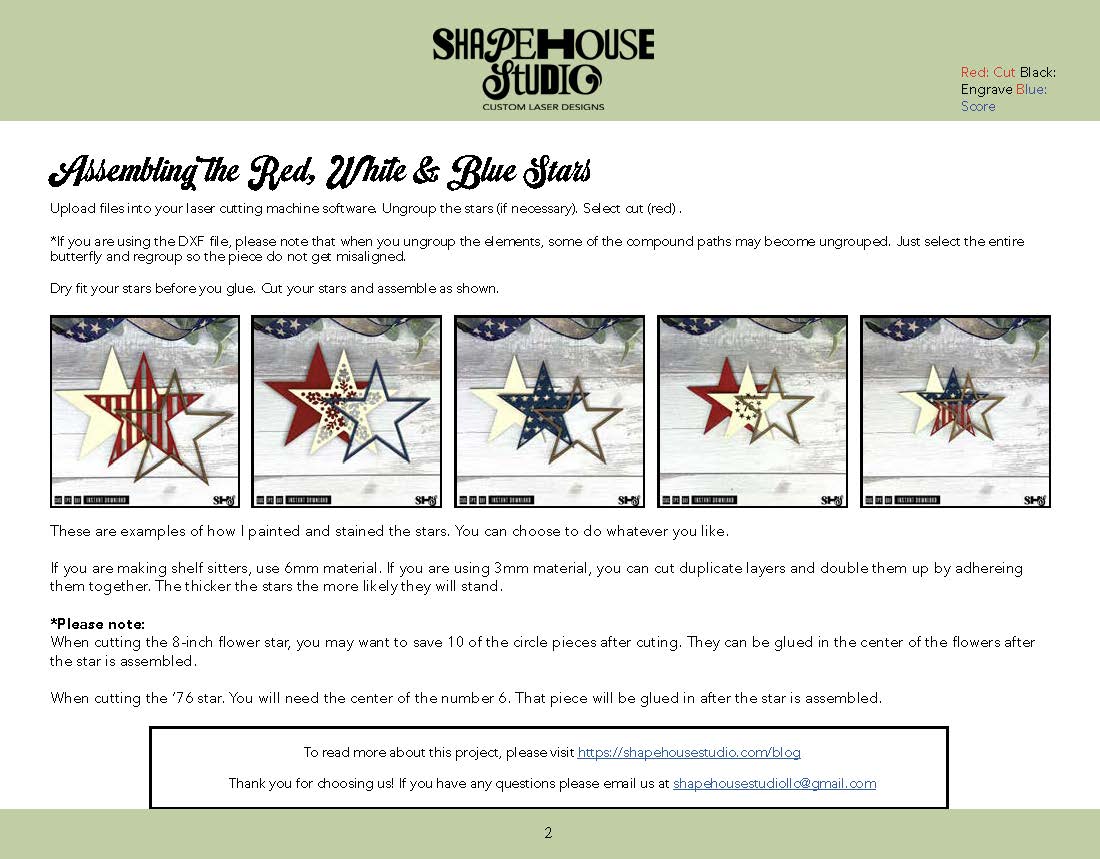
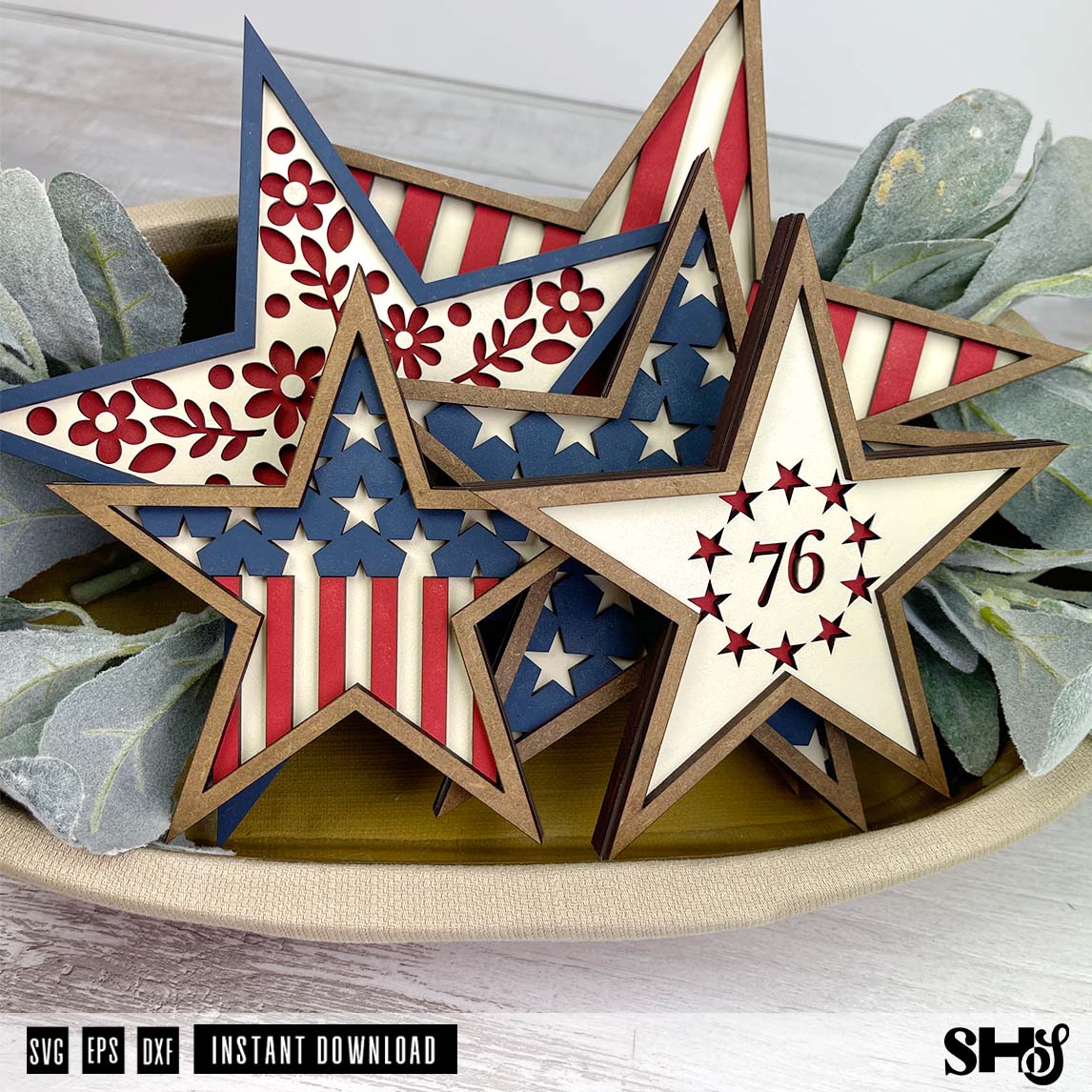
Helpful for Crafters, Makers, and Small Shops
Some customers make our designs for their own homes. Some create gifts. Some use our files to make finished products for local sales, craft fairs, or small business inventory.
No matter how you use your ShapeHouse Studio file, we want you to have a great experience.
Detailed directions help make that possible. They reduce confusion, save time, and make it easier to focus on the fun parts: choosing colors, painting, staining, assembling, customizing, and watching the project come together.
That is the kind of experience we want our customers to have.
More Than Just a File
At ShapeHouse Studio, every SVG represents more than a finished design. It includes testing, planning, organizing, photographing, and writing instructions that help turn that design into a project you can actually enjoy making.
So when you purchase a ShapeHouse Studio SVG, you are not just getting a digital file.
You are getting a project guide, a clear path forward, and a little extra confidence built right in.
Because when the directions are clear, the creative part gets to shine.
And that really does make all the difference.